How to Recover A26 Game Account – Password Reset Guide
If you cannot access your account, A26 Game account recovery may help you regain access through the available password reset or verification process. Common reasons for login problems include a forgotten password, an incorrect registered mobile number, an OTP that does not arrive, or a temporary technical issue.
This guide explains how to troubleshoot account access problems and protect your information during recovery.
How to Recover Your A26 Game Account
If you have forgotten your password or cannot sign in, follow these general steps:
- Open the A26 Game application or its available login page.
- Select the Login option.
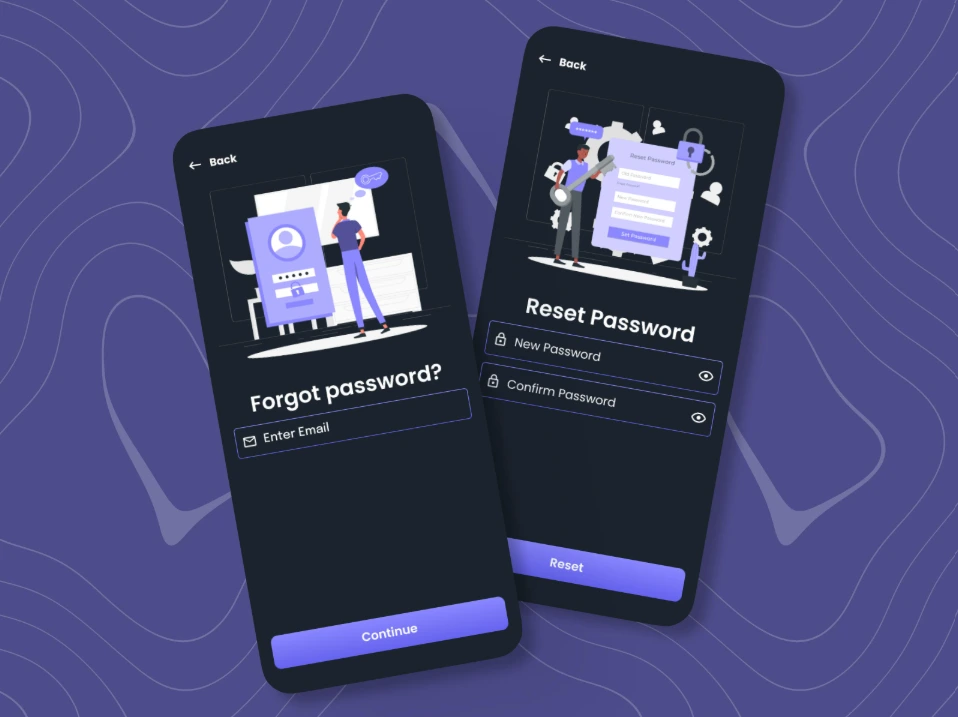
- Look for Forgot Password, Reset Password, or another account recovery option.
- Enter the registered information requested by the platform.
- Complete the verification steps displayed on the screen.
- Follow the instructions to reset your password, if this option is available.
- Return to the login screen and try signing in with your updated credentials.
The exact recovery process may vary by app version. If you cannot find a password reset option, use the platform’s current support channel.
How to Reset a Forgotten A26 Game Password
If you remember your account details but cannot remember your password, look for the password recovery option on the login screen.
Use the registered account information requested by the platform and complete any required verification. If a password reset is available, choose a strong, unique password that you do not use on other websites.
Avoid repeatedly guessing your password, as this may trigger temporary account restrictions.
For login instructions, visit our A26 Game Login Guide.
What If You Are Not Receiving an OTP?
If account recovery requires a one-time password (OTP) and the code does not arrive, try these steps:
- Check that your registered mobile number is correct.
- Make sure your phone has a working network connection.
- Check your SMS inbox and message filters.
- Wait briefly before requesting another code.
- Follow the platform’s instructions if the code expires.
If the problem continues, contact the available support channel. Never share your OTP with another person claiming they can recover your account.
How to Recover an Account on a New Phone
If you have changed your Android phone, you may be able to access your existing A26 Game account using your registered login details.
Install a compatible version of the application from a source you trust, open the login screen, and enter your existing credentials. Complete any verification requested by the platform.
Avoid creating another account simply because you are using a different device. If your existing account cannot be accessed, follow the official recovery process.
What If Your A26 Game Account Is Locked?
If you see an account locked, suspended, or restricted message, check whether the platform provides an explanation or instructions.
Do not repeatedly attempt to bypass the restriction or create duplicate accounts. Contact the platform through its available support channel and follow the instructions provided.
If you suspect someone else has accessed your account, change your password through a trusted recovery method if possible and secure any related accounts that use the same password.
How to Contact A26 Game Support for Account Recovery
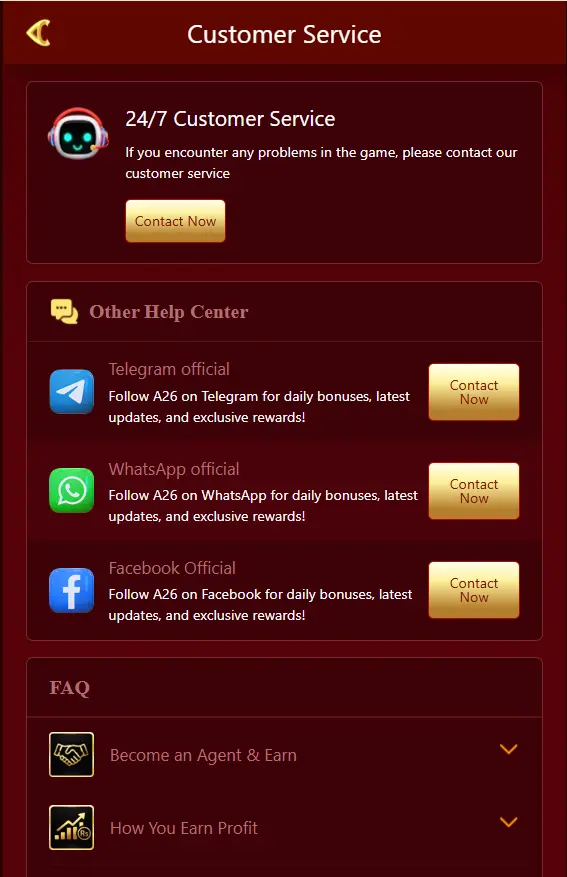
If the standard recovery steps do not work, contact the support channel currently provided by the platform.
Explain the issue clearly and provide only the non-sensitive information requested, such as your registered username, device model, or a description of the error.
Never send your password, OTP, PIN, or banking credentials to someone claiming to be a support representative. Do not pay an unknown person who promises guaranteed account recovery.
Tips to Keep Your A26 Game Account Secure
After recovering access, take a few steps to protect your account:
- Use a strong, unique password.
- Keep OTPs and verification codes private.
- Avoid suspicious login links and unofficial applications.
- Keep your phone’s security features enabled.
- Do not share account credentials with friends or strangers.
- Check for unfamiliar account activity if account history is available.
For additional troubleshooting, see our A26 Game APK Not Working Guide.
Frequently Asked Questions
How can I recover my A26 Game account?
Open the login screen and use the available password recovery option. Complete the required verification or contact platform support if recovery is unavailable.
Can I recover my account without an OTP?
That depends on the recovery methods supported by the platform. Use only the alternative verification options it provides.
Can I recover my account on a new phone?
You may be able to sign in using your existing credentials and complete any required verification.
What should I do if my account is locked?
Review the displayed instructions and contact the platform’s support channel. Do not attempt to bypass account restrictions.
Final Thoughts
To recover your A26 Game account, start with the available password reset option and complete the required verification steps. If you cannot receive an OTP, access your registered details, or resolve an account restriction, contact the platform through its current support channel.
Keep your credentials private and use only trusted recovery methods to protect your account.